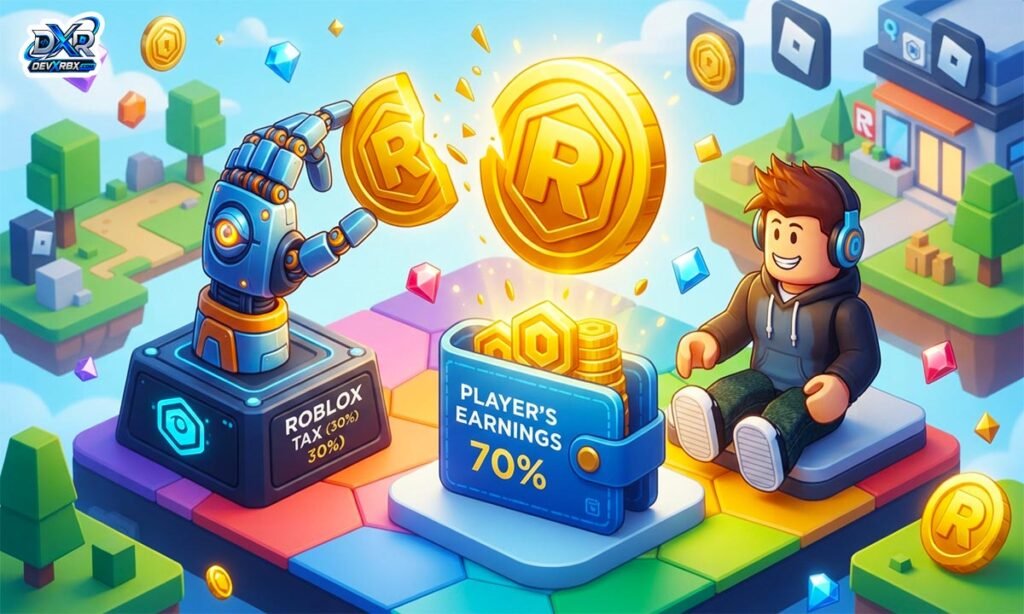
How Much Is the Robux Tax? Roblox takes a cut every time you sell something for Robux. This is often called the “Robux tax.” It is not a real government tax. It is a marketplace fee set by Roblox itself.
The standard rate is 30%. This means you only keep 70% of any sale. It applies to game passes, developer products, and catalog items like shirts and pants.
This fee has stayed the same for years now. It helps Roblox control how much Robux is in the game. Knowing this rate helps you price things correctly.
How much is 400 Robux with Tax
If someone pays you 400 Robux, you do not keep all of it. Roblox takes 30% right away. That leaves you with 280 Robux in your account.
The math is simple. You multiply 400 by 0.70. This gives you 280 Robux as your final take-home amount. Roblox rounds down to a whole number if needed.
This applies to game passes, shirts, or any item priced at 400 Robux. The buyer still pays the full 400. Only the seller feels the 30% cut when the sale goes through.
How much is 1000 Robux with Tax
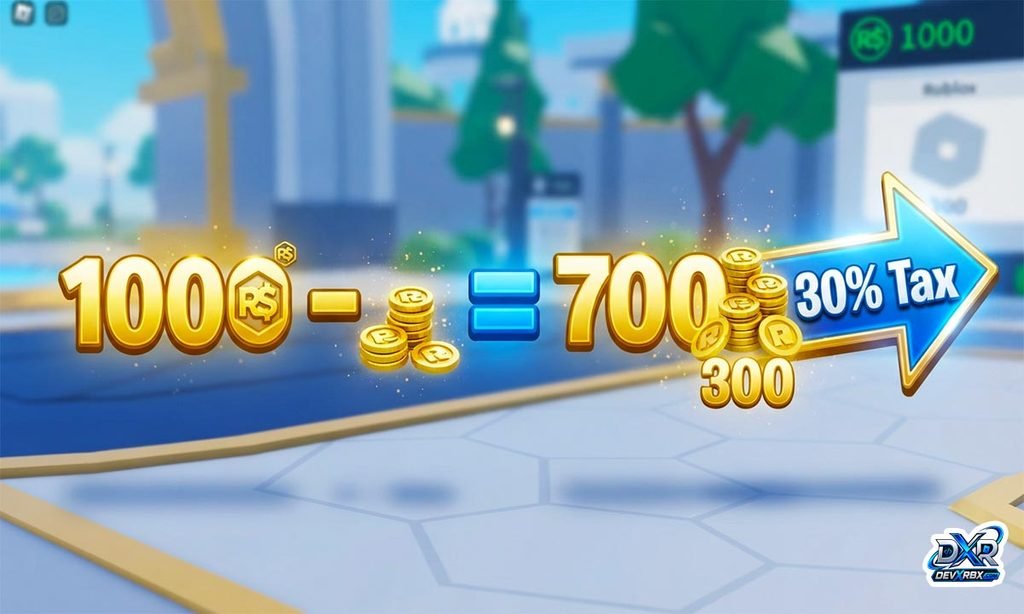
A sale of 1000 Robux is a common amount for many creators. After the 30% fee, you keep 700 Robux. Roblox keeps the remaining 300 Robux for itself.
To get the number, multiply 1000 by 0.70. That equals exactly 700 Robux landing in your pending balance. There is no rounding issue at this clean number.
Many sellers use 1000 as a benchmark price. It’s easy to calculate and easy to remember. Just remember you always lose 30% of whatever price you set.
How much is the Robux Tax Calculator
A Robux tax calculator is a simple online tool. You type in an amount of Robux, and it shows what you’ll actually receive. It saves you from doing the math by hand every time.
These calculators usually work two ways. One mode shows your earnings after tax on a sale. The other mode shows what price to set so you land on a target payout.
Most of these tools use the standard 30% rate by default. Some also include a 40% option for donation-based games. This makes them useful for both regular sellers and Pls Donate users.
Robux Tax Calculator
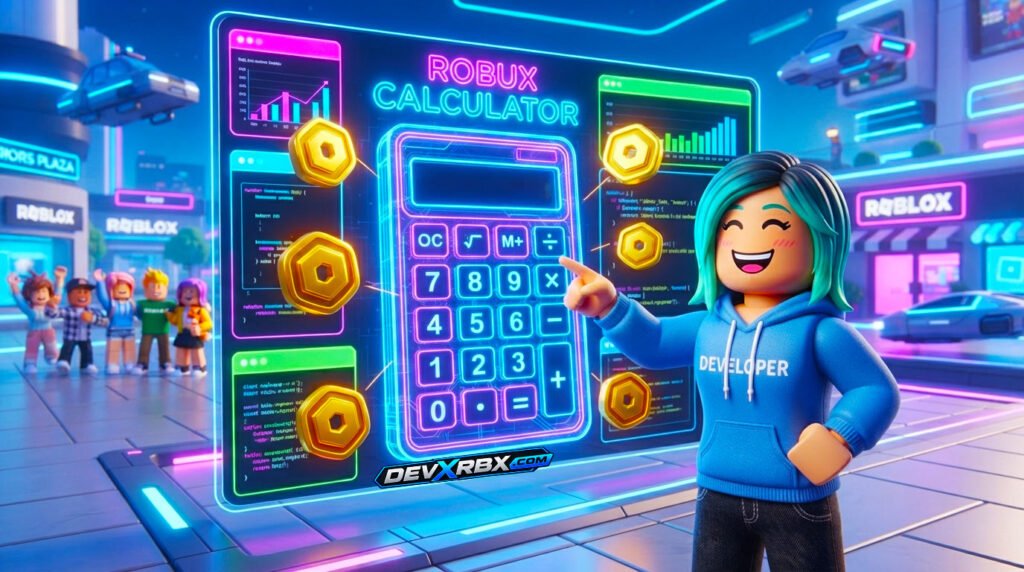
A Robux tax calculator does one main job. It applies the 30% marketplace fee to any number you enter. This gives you an instant, accurate result every time.
Roblox rounds down to whole Robux on every transaction. A good calculator copies this exact rounding behavior. That way the number you see matches what actually appears in your account.
You can use it before listing an item for sale. Just enter your target take-home amount. The calculator tells you the exact price to charge to hit that goal.
Robux Calculator
A Robux calculator is a broader tool than a tax calculator alone. It can convert Robux to real money, or convert money into Robux. It can also help estimate group fund splits.
Some versions include the DevEx rate for developers. This shows what your Robux would be worth if cashed out to USD. That rate is separate from the 30% marketplace fee.
Whether you are buying, selling, or trading, a calculator removes guesswork. It gives quick, reliable numbers without needing to do manual math. This is especially handy for younger players.
How much is 800 Robux with tax
An 800 Robux sale follows the same 30% rule as any other amount. After the fee is taken out, you are left with 560 Robux. Roblox keeps 240 Robux from the transaction.
The formula stays consistent every time. Multiply 800 by 0.70 to get your final number. That gives you 560 Robux as your true earnings.
This amount is common for mid-priced game passes or accessories. Keep in mind the buyer always pays the full listed price. Only your payout shrinks once the marketplace fee is applied.
How much is 80 Robux with tax
Smaller amounts like 80 Robux still follow the same 30% fee. After tax, you would keep 56 Robux from the sale. This is calculated by multiplying 80 by 0.70.
Small transactions can sometimes feel less exact due to rounding. Roblox always rounds down, never up, on Robux earnings. So very tiny listings can lose a bit more value in practice.
Sellers pricing small items should keep this in mind. Charging very low amounts can shrink your actual profit further. It often helps to price items a little higher than expected.
How much is roblox tax in pls donate
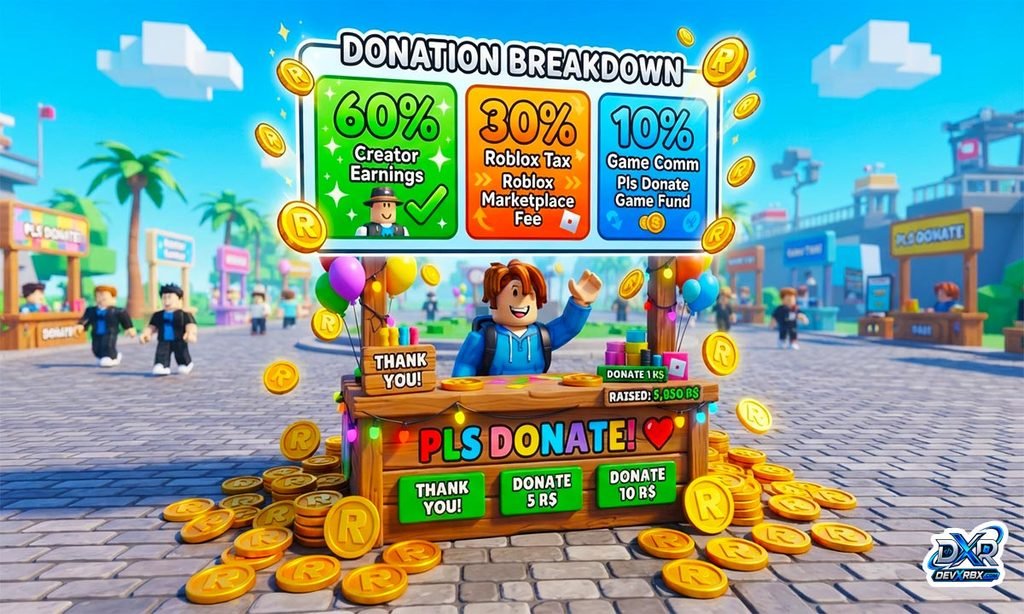
Pls Donate works differently from a normal item sale. Donations there are actually gamepass purchases behind the scenes. This means the standard 30% Roblox fee still applies first.
On top of that, the game’s creator takes an extra cut. Most sources report this additional cut at around 10%. Combined, this brings the total reduction to about 40%.
So if someone donates 1000 Robux through Pls Donate, you receive roughly 600. That is lower than a typical 30% marketplace sale. Always account for this extra layer when setting donation goals.
Conclusion
The Robux tax is really just Roblox’s marketplace fee. It sits at a steady 30% for most normal sales and purchases. Understanding this number helps you price things fairly.
Games like Pls Donate add an extra cut on top of that base fee. This pushes the total deduction closer to 40% there. Using a simple calculator makes all of this math painless.
Frequently Asked Questions
How much Robux tax does Roblox take?
Roblox takes a standard 30% marketplace fee on most sales, so you keep 70% of the price.
How much is 100 Robux after tax?
After the 30% fee, 100 Robux becomes 70 Robux in your account.
Why do I get less Robux than I sold my item for?
Roblox automatically deducts its 30% marketplace fee before the payout reaches your balance.
Does Pls Donate take more tax than normal Roblox sales?
Yes, Pls Donate takes about 40% total, combining Roblox’s 30% fee with a 10% game creator cut.
Can I avoid the Robux marketplace tax?
No, the 30% fee is built into Roblox’s system and applies automatically to every sale.